
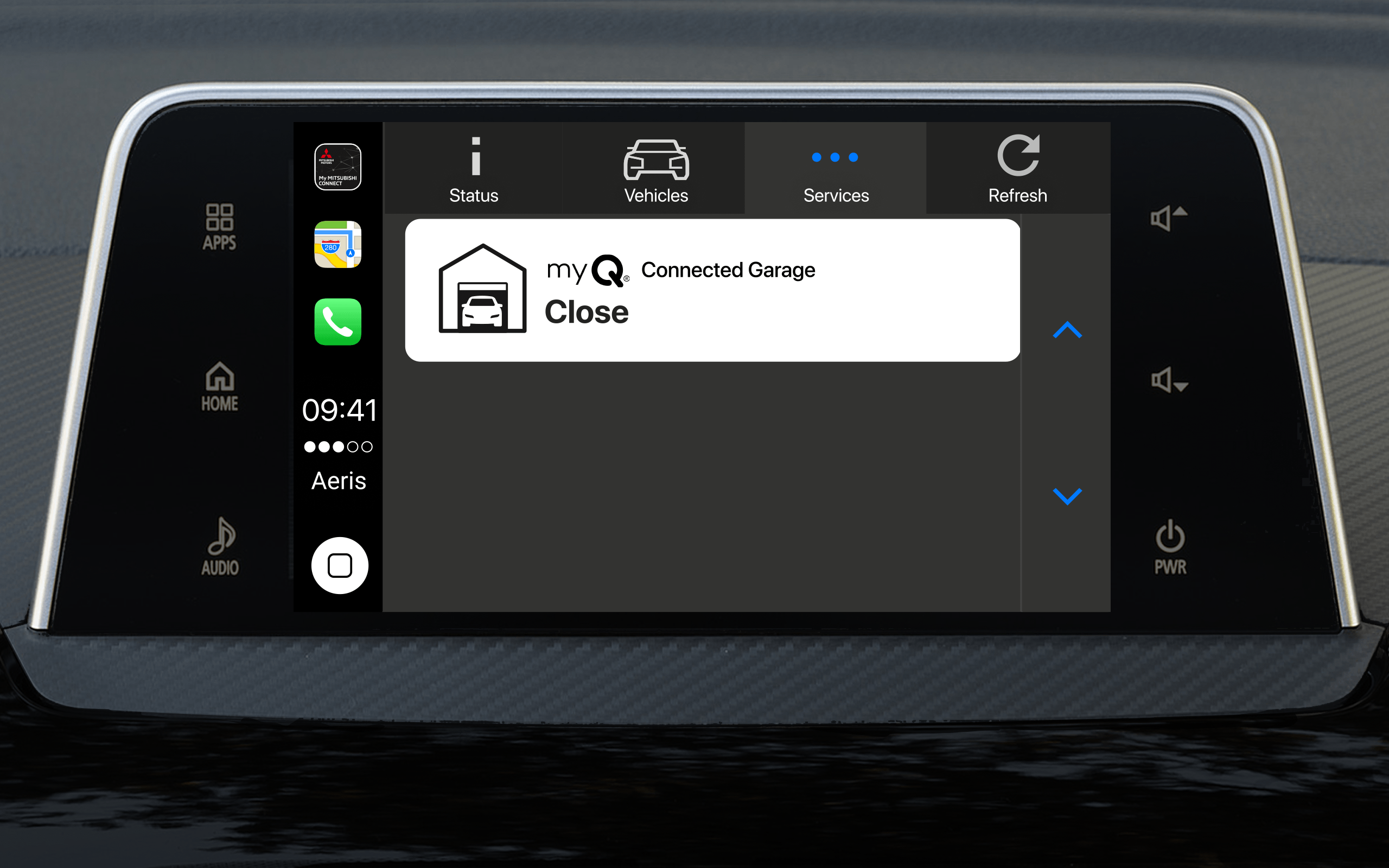
Chamberlain MyQ integration for Mitsubishi Connect App
Design the first third-party integration for the My Mitsubishi Connect mobile app for Android Auto and Apple CarPlay, providing connectivity with Chamberlain MyQ garage doors.
CLIENT
Chamberlain
(for Mitsubishi Motors via Aeris Communications)
TIMEFRAME
October 2021- February 2022
ROLE
Stakeholder Management
Design thinking
Interaction design
Prototyping
TOOLS
Figma
TEAM
Product Design Lead
2 Product Managers
1 Engineering Manager
2 Engineers
Chamberlain UX team (US)
Mitsubishi UX team (EU)
KEY RESULTS
Successful first third-party integration for My Mitsubishi Connect
Successful navigation and agreement between three teams (Aeris, Chamberlain, Mitsubishi)
Engineering effort led to easier implementation (dealer scheduling fast-follow)
THE BUSINESS
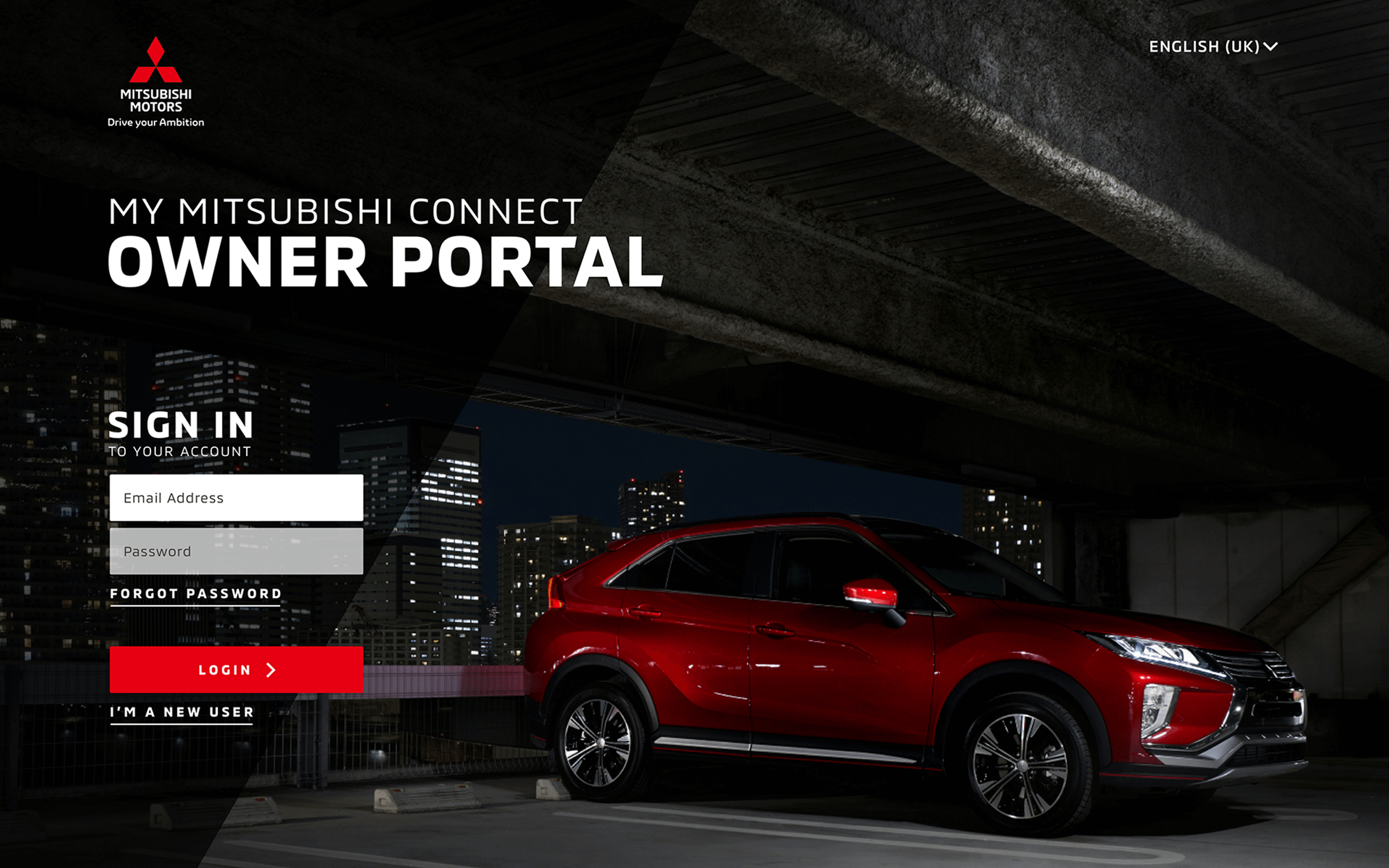
Mitsubish Motors provides the My Mitsubishi Connect connectivity ecosystem, offering remote operations and control for the 2023+ Mitsubishi Outlander PHEV, 2022+ Mitsubishi Outlander and 2018+ Eclipse Cross.
Chamberlain Group is the parent company to LiftMaster, myQ, and Chamberlain, provides intelligent access via hardware and software products to delivers seamless, secure access to people's homes, communities, and businesses.
Aeris Communications is a cellular IoT solutions company that helps many of the world’s largest companies create value through connected technologies.
THE CHALLENGE
Mitsubishi sought to build on the mobile app and Apple CarPlay and Android Auto experience by adding third-party addons. Their team had connected with Chamberlain to explore garage door open and close capabilities with select Mitsubishi vehicles.
GOALS
The Chamberlain team wanted to keep most of the settings inside the MyQ app, which included configuration of settings and payment. For the app's first integration, the MMC app would focus on connection to garage door operations and status communicated through CarPlay or Android Auto.
KICKING OFF
An Aeris Product Manager and a Chamberlain Product Manager set a kickoff.
- I served as a product design lead for Aeris and Mitsubishi, working in concert with the Chamberlain user experience team to understand connections.
- Aeris and Chamberlain engineering teams met to understand application programming interface (API) guidelines to create a safe and secure connection between the MMC and the MyQ applications.
INITIAL INSIGHTS
There was agreement between the Mitsubishi team and the Chamberlain team that there should be minimal duplication of the Chamberlain app -- that would also set a complex precedent for other third-party integrations -- and that the essential driver functionality -- connect to the system and let CarPlay and Android Auto handle the garage door opening synchronized with an Android and iOS drive in-vehicle.
So:
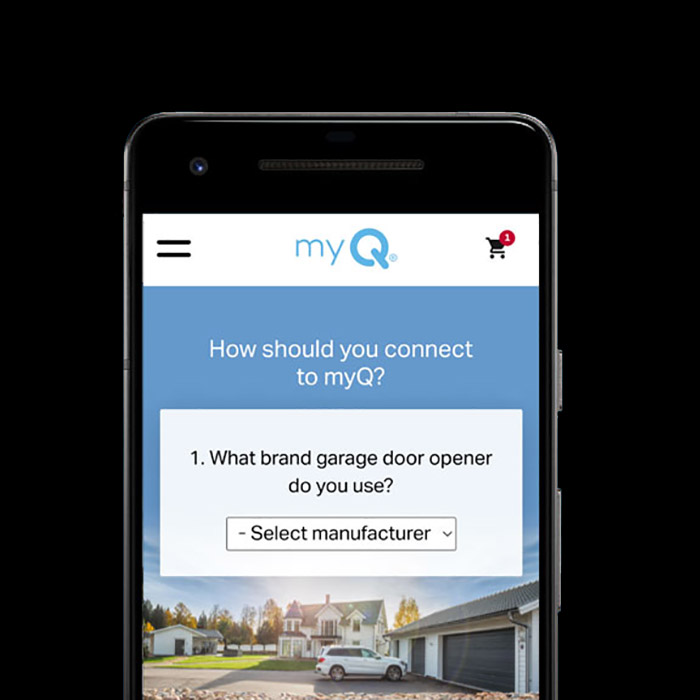
- The user should be able to purchase of myQ Connected Garage remote services package, provided through Settings, which would take the user to the Chamberlain myQ website for purchase. Optionally the user should be able to purchase a myQ device if they didn't yet have one.
- The user should link from the MMC app their login and password to an existing myQ account
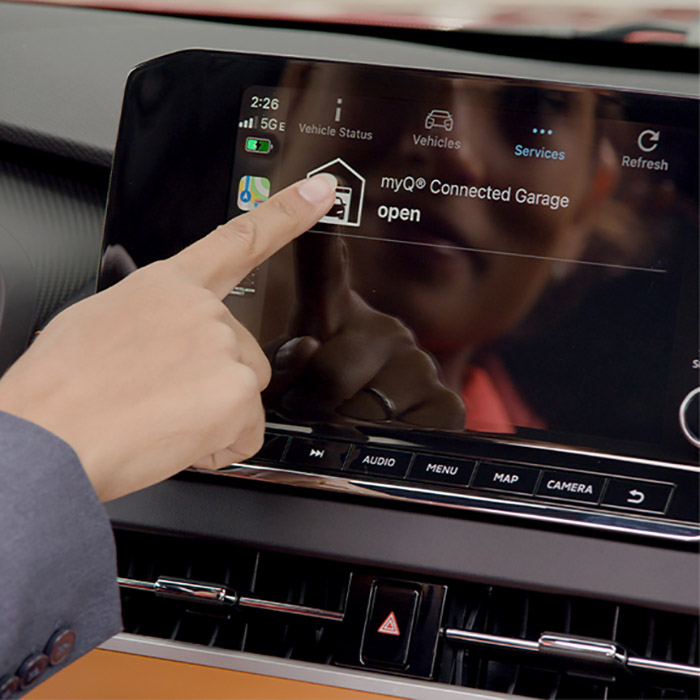
- The user can operate their garage door from a connected Android phone to Android Auto, or an iOS phone to Apple CarPlay with connection packages in place.
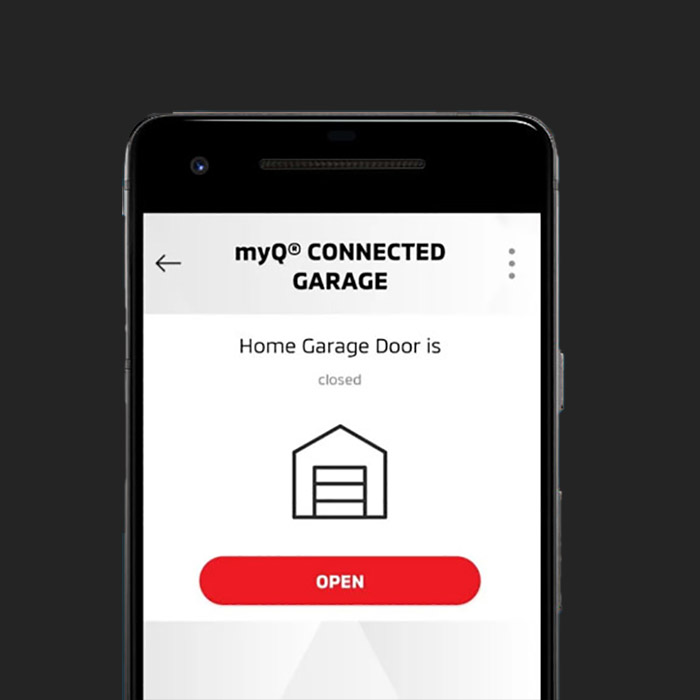
- The user should get feedback on the state of their garage door, and understand avenues for resolution.
IDEATION & FLOW
Vehicle Owners: Be able to seamlessly set up the connection between MMC and MyQ apps for a "once and done" setup to be able to open and close their garage door(s) via Apple CarPlay and Android Auto.


PROTOTYPE
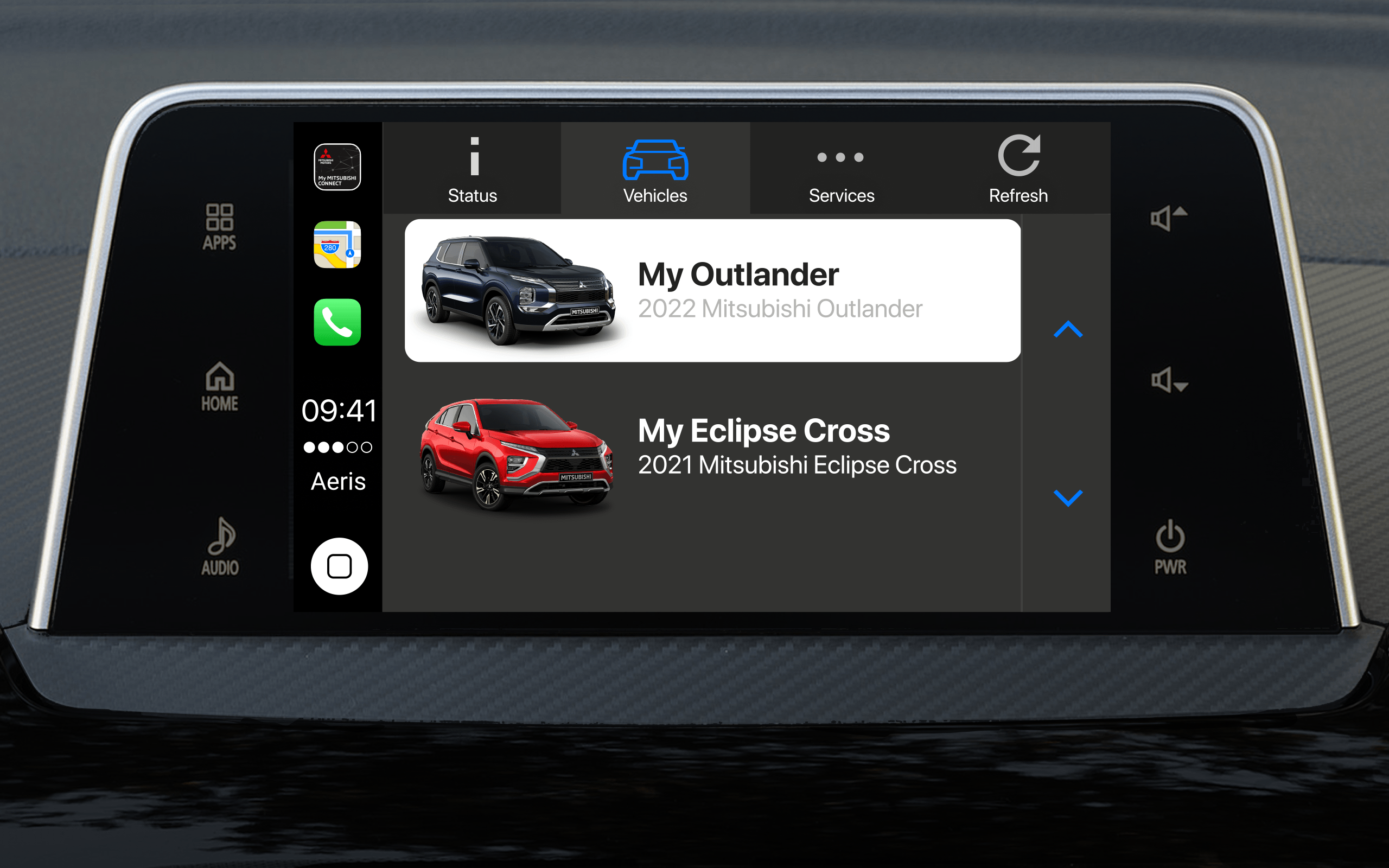
Apple CarPlay or Android Auto states were mapped out with light interaction and animation consistent with Google and Apple guidelines for in-dash displays to account for use cases where:
- The user hasn't yet configured their myQ account
- The garage is open
- The garage is closed
- The garage door is closed, and stops during open
- No response from the garage door (offline)
- There is a network/wifi issue with connection (offline)
- Updating app in progress

REFLECTION & LEARNINGS
- Successful first third-party integration for My Mitsubishi Connect
- Successful navigation and agreement between three teams (Aeris, Chamberlain, Mitsubishi)
- Engineering effort led to easier implementation. Next on the product roadmap was dealer scheduling via third-party platform DealerFX
Selected Works











CASE STUDIES
PORTFOLIO
PROCESS
WORKSHOPS
ABOUT
